

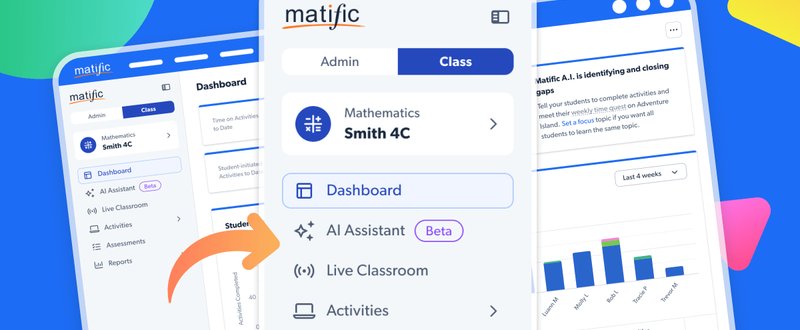
A Modern Way to Navigate Matific
A refreshed teacher interface designed to make everyday tasks easier
We’re excited to share a fresh update to the Matific teacher platform — designed to make everyday teaching tasks simpler, faster, and more intuitive.
As Matific continues to grow, we’re evolving the platform to help teachers and administrators find what they need quickly, without extra clicks or confusion.
Say hello to side navigation
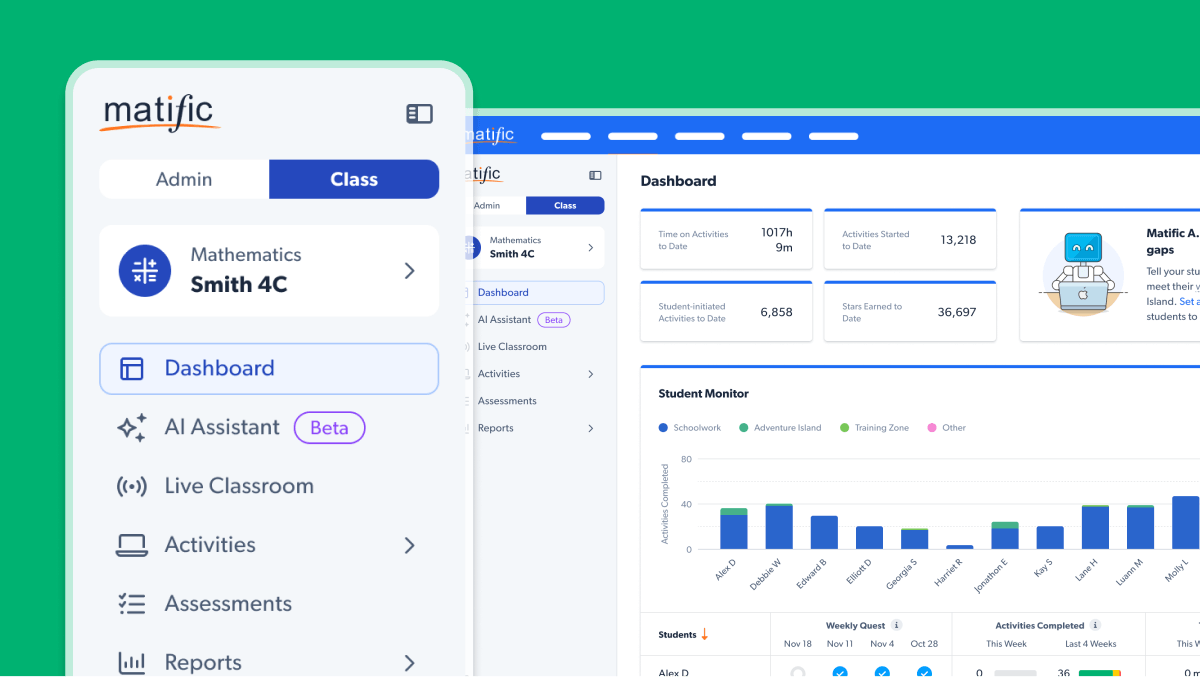
New Side Navigation - The top menu has been replaced with a modern, left-hand side navigation that makes key tools easier to find at a glance.
Clearer Separation of Tasks - Teaching tasks (like assigning activities) and administrative tasks (like managing classes) are now grouped separately for a more intuitive workflow.
Modern & User-Friendly Design - A cleaner layout and smarter use of space reduces visual clutter and helps teachers get things done faster.
Why did we make this change?
- As more teachers, schools, and administrators use Matific, the interface needed to better support different classroom roles.
- The update focuses on a cleaner layout, smoother access to key tools, and improved usability for daily teaching needs.
- Less time navigating the platform, more time focused on teaching and learning.
What does this mean for you?
- All existing features remain — they’re just easier to access and better organised.
- The new layout feels natural for existing users and makes getting started easier for new teachers.